
Buying guides
5 Best Lights for Streaming in 2026
As an Amazon Associate, this website earns from qualifying purchases.
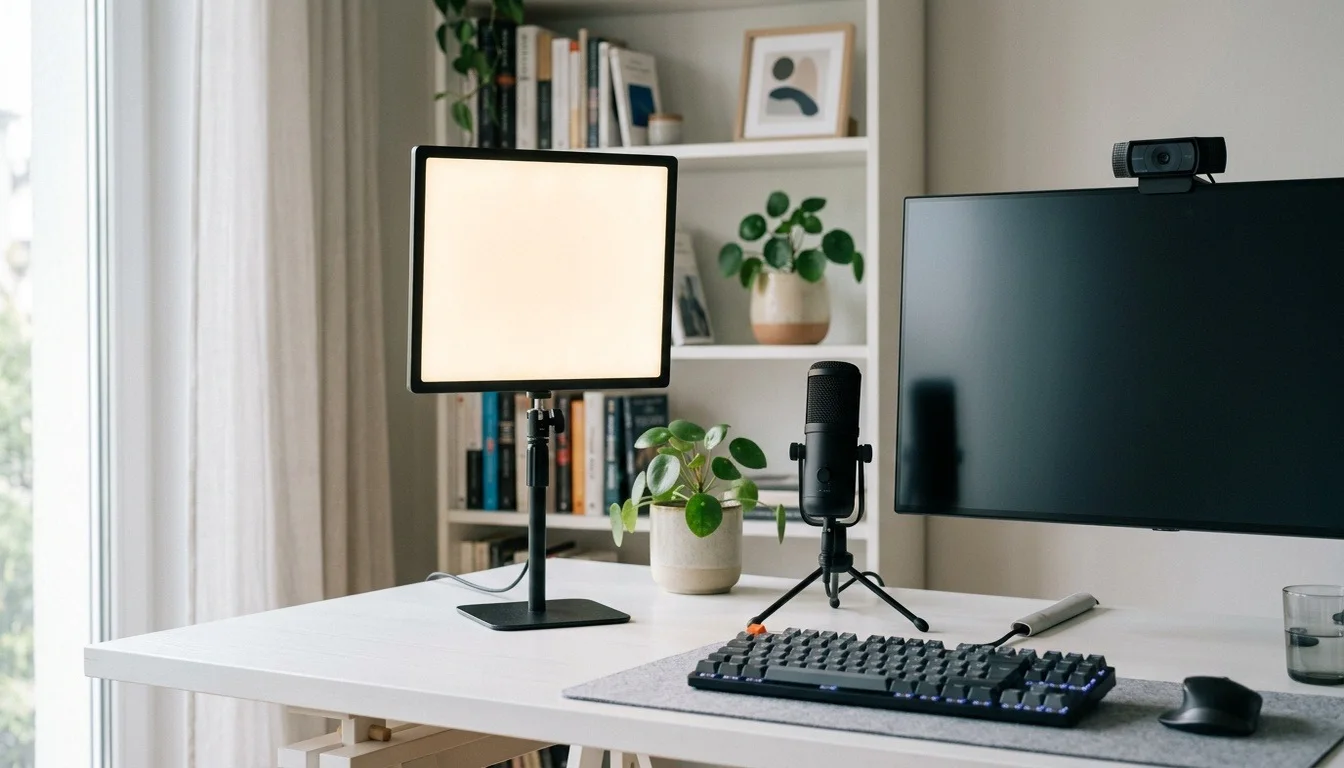
The short answer
Elgato Key Light Air MK.2 is our first desk pick for its touch controls, USB-C power and included clamp mount. The larger Key Light suits a fixed Wi-Fi-controlled setup. Choose a NEEWER 660 two-light kit when stands and separate key/fill positions fit your room.
Sections6
- #1. Elgato Key Light Air MK.2: best for desk touch controls
- #2. Elgato Key Light: best for fixed Wi-Fi desk
- #3. NEEWER 660 bi-color two-light stand kit: best for separate key and fill
- #4. SmallRig RC 60B: best for portable streaming corner
- #5. amaran 100x S: best for room-based streaming key
- Factors to consider when choosing streaming lights
Our top 5 picks
- 1Desk touch controls
 Elgato Key Light Air MK.2
- USB-C-powered edge-lit panel with touch controls
- Adjustable 2900-7000K white light
- Desk mount with clamp included
- 2Fixed Wi-Fi desk
 Elgato Key Light
- Panel with adjustable 2900-7000K white light
- Wi-Fi control through Elgato Control Center
- Desk-clamp mounting system
- 3Separate key and fill
 NEEWER 660 bi-color two-light stand kit
- Two bi-color panels with 3200-5600K adjustment
- Includes two stands, diffusers and AC adapters
- Optional NP-F battery operation
- 4Portable streaming corner
 SmallRig RC 60B
- 60W bi-color light with 2700-6500K adjustment
- Built-in battery and USB-C PD power input
- Handle and stand adapter in this package
- 5Room-based streaming key
 amaran 100x S
- Bi-color light with 2700-6500K adjustment
- Bowens modifier mount and umbrella holder
- Onboard controls and Sidus Link app control
Streaming lights need to fit around the monitor, camera and desk you use for long sessions. The first two picks are desk-clamp panels; the others offer stand-based or portable continuous-light routes. This is a published-feature comparison, not a glare, flicker or noise test. Check power and placement before adding an app-controlled fixture.
#1. Elgato Key Light Air MK.2: best for desk touch controls
Our verdict:
Desk touch controls
Best for streamers who want brightness controls on the panel and a supplied desk clamp.
View on Amazon- USB-C-powered edge-lit panel with touch controls
- Adjustable 2900-7000K white light
- Desk mount with clamp included
Keep in mind: full brightness needs an adequate PD power source; the package does not include a mains power adapter.
Product details checked October 2026
Key Light Air MK.2 adds touch controls and USB-C power to an edge-lit desk panel. The selected package includes its clamp mount and cable. That makes it our first shortlist choice when you want controls within reach rather than relying entirely on software. Full brightness depends on an adequate power source; a computer USB port may provide a lower output level.
#2. Elgato Key Light: best for fixed Wi-Fi desk
Our verdict:
Fixed Wi-Fi desk
Best for streamers building a fixed desk setup controlled through Elgato software.
View on Amazon- Panel with adjustable 2900-7000K white light
- Wi-Fi control through Elgato Control Center
- Desk-clamp mounting system
Keep in mind: plan the desk-clamp clearance and Wi-Fi setup; this is a fixed desk light rather than a light-stand kit.
Product details checked October 2026
Key Light uses Wi-Fi control, adjustable white light and a desk-clamp mounting system. It suits a station where the panel can stay mounted and the network setup is dependable. Before choosing it, measure the mounting edge and the space behind the monitor. Its app control is a workflow feature, not evidence that it improves how every room or camera renders skin.
#3. NEEWER 660 bi-color two-light stand kit: best for separate key and fill
NEEWER 660 bi-color two-light stand kit
Our verdict:
Separate key and fill
Best for streamers with floor space for two light stands around the desk.
View on Amazon- Two bi-color panels with 3200-5600K adjustment
- Includes two stands, diffusers and AC adapters
- Optional NP-F battery operation
Keep in mind: batteries are not included; the two full-height stands also take more floor space than a desk clamp.
Product details checked October 2026
This NEEWER kit supplies two panels, stands, diffusers and AC adapters. It lets you plan separate key and fill positions without treating a single desk light as a whole setup. The panels offer adjustable white light and optional battery operation. For a fixed stream, the supplied AC path is the straightforward starting point; keep stands and cables outside the movement area.
#4. SmallRig RC 60B: best for portable streaming corner
Our verdict:
Portable streaming corner
Best for creators who share one light between a streaming desk and other close-up filming.
View on Amazon- 60W bi-color light with 2700-6500K adjustment
- Built-in battery and USB-C PD power input
- Handle and stand adapter in this package
Keep in mind: a standard Bowens softbox needs SmallRig's separate adapter; battery runtime depends on the output setting.
Product details checked October 2026
The RC 60B has a built-in battery and USB-C PD input, with a handle and stand adapter in this package. It can serve a portable close-up setup when a permanent desk clamp is impractical. Plan a secure support and suitable diffusion before aiming a bare fixture at your face. Its separate Bowens adapter requirement matters if you already own a standard softbox.
#5. amaran 100x S: best for room-based streaming key
Our verdict:
Room-based streaming key
Best for creators streaming from a room-sized set with a supported Bowens modifier.
View on Amazon- Bi-color light with 2700-6500K adjustment
- Bowens modifier mount and umbrella holder
- Onboard controls and Sidus Link app control
Keep in mind: this fixture needs a separate stand and suitable modifier for a supported soft-light setup.
Product details checked October 2026
The amaran 100x S uses a Bowens modifier mount and offers onboard or Sidus Link adjustment. It is a candidate for a wider streaming set where a stand and separate modifier fit comfortably. It requires more setup than a clamp panel because this listing is a fixture, not a complete kit. Choose it for the planned light position and modifier, not simply the app connection.
Factors to consider when choosing streaming lights
Measure the desk before the light
Find a mounting edge that supports the clamp and does not block a drawer or monitor arm. If that is unavailable, compare a stand-based kit instead. Leave the light outside the camera frame and adjust its position while watching the actual preview.
Check controls and power together
Choose whether you want physical controls, app control or both. For USB-powered lighting, confirm the power source needed for the intended output. Do a short session with the camera, light and software running together before relying on the setup for a live stream.
Keep the key separate from the background
Start with useful light on the face, then add background lighting only if it serves the composition. Adjustable white light helps with the room's color balance. Colored effects are an optional background tool; they are not a substitute for a well-positioned key.
Continue to the film lights guide, or return to all buying guides.
Published specifications: Elgato Key Light Air MK.2, Elgato Key Light, NEEWER 660 bi-color two-light stand kit, SmallRig RC 60B, amaran 100x S. Package contents are also checked against the exact catalog records.
Quick answers
Is a desk clamp better than a stand?
A clamp saves floor space if the desk has a suitable edge. A stand gives more placement options but needs room and secure cable routing.
Does Key Light Air MK.2 include a power adapter?
The listed package includes the panel, USB cable and desk mount. Elgato specifies a separate adequate power source for full brightness.
Can I use a video light for streaming?
Yes, if its support, diffusion, power and controls fit the room. A fixture-only listing may need more parts than a desk-panel package.
Do I need RGB for streaming?
No. Begin with white light that suits the camera and room. Add colored background effects only when they help the intended scene.